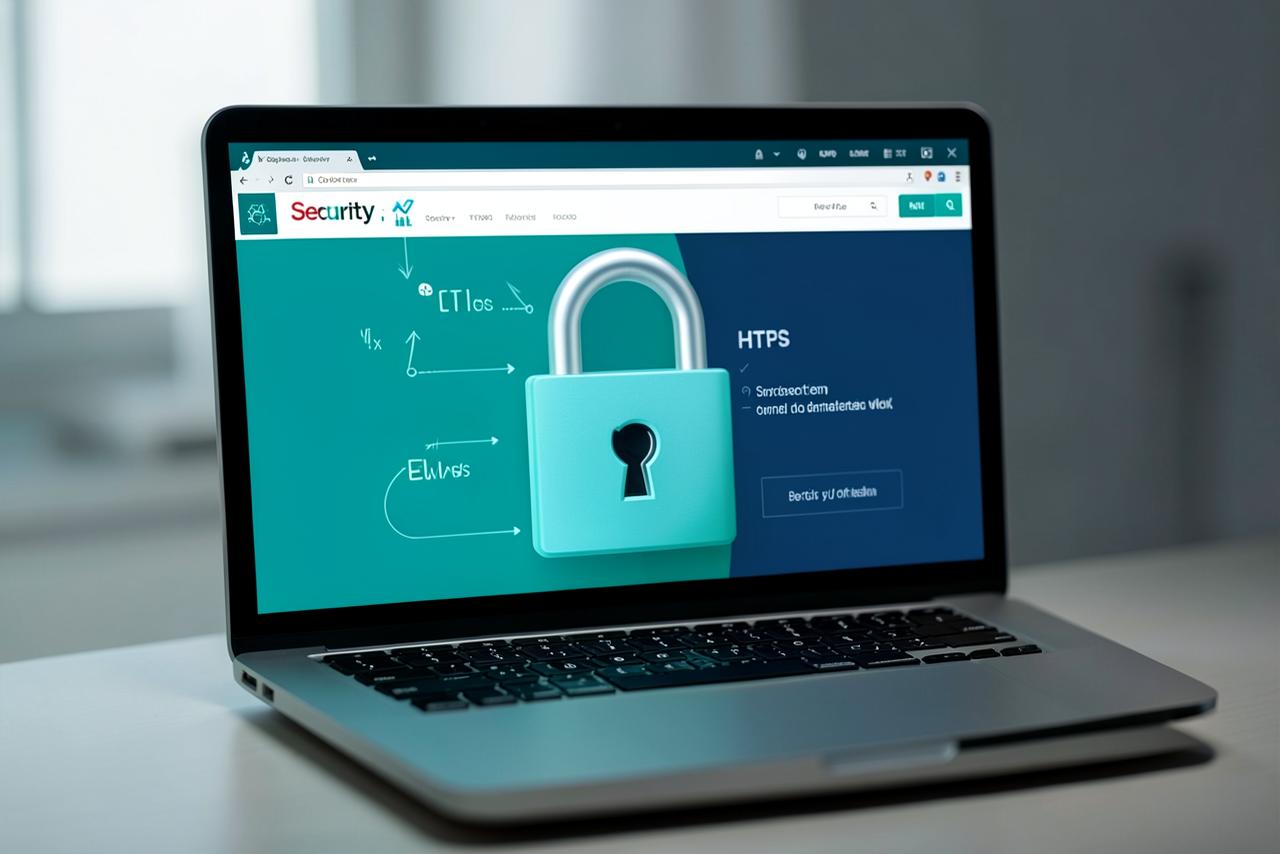
An SSL certificate encrypts the traffic between your visitor and your server, and turns http into https with a padlock beside it.
What SSL actually does
Without SSL, everything sent between the browser and the server travels as readable text: contact form messages, login passwords, order details. On shared Wi-Fi that data can be intercepted. SSL encrypts it and also proves that the visitor is connected to your real server, not an impostor.
Three reasons it is no longer optional
1. The not secure warning
Chrome, Edge, Safari and Firefox all label plain HTTP pages as not secure, and show a stronger warning on any page with a form. Most visitors leave rather than read the explanation.
2. Search engine ranking
Google has treated HTTPS as a ranking signal for years. It will not push a weak site to the top on its own, but its absence is a handicap you do not need.
3. Payments and integrations
Payment gateways, Google tools, Facebook pixels and most modern browser features simply refuse to work on an insecure page.
Which type of certificate do you need
- Domain Validation (DV): issued in minutes, encrypts everything, correct for the vast majority of business websites.
- Organisation Validation (OV): the certificate authority verifies your company details, useful for financial and corporate sites.
- Extended Validation (EV): the strictest checks, used by banks and large e-commerce operations.
- Wildcard: secures every subdomain such as shop, mail and portal under one certificate.
For a normal company website, a free automatically renewed DV certificate provides exactly the same encryption strength as an expensive one.
Installing SSL without breaking the site
- Issue and install the certificate on the hosting account
- Redirect all HTTP requests to HTTPS permanently
- Update internal links, images and scripts to https to avoid mixed content warnings
- Update the site address in your CMS settings
- Add the HTTPS version in Google Search Console and resubmit the sitemap
Mixed content is the usual reason a padlock still does not appear after installing SSL: one image or script is still loading over http.
Renewal
Certificates expire, most after 90 days or a year. Expiry produces a full-screen browser warning that stops visitors entering the site at all. Automatic renewal at the hosting level is the only reliable answer, and it should be included in your hosting plan rather than sold separately.
تشفّر شهادة SSL البيانات بين الزائر والخادم وتحوّل http إلى https مع ظهور رمز القفل بجوارها.
ماذا تفعل شهادة SSL فعلاً
بدون SSL تنتقل كل البيانات بين المتصفح والخادم كنص مقروء: رسائل نموذج الاتصال وكلمات مرور الدخول وتفاصيل الطلبات. وعلى شبكات الواي فاي المشتركة يمكن اعتراض هذه البيانات. تشفّرها الشهادة وتثبت أيضاً أن الزائر متصل بخادمك الحقيقي وليس بمنتحل.
ثلاثة أسباب تجعلها ضرورية لا اختيارية
1. تحذير غير آمن
متصفحات كروم وإيدج وسفاري وفايرفوكس تصف صفحات HTTP العادية بأنها غير آمنة وتعرض تحذيراً أقوى في أي صفحة بها نموذج، ومعظم الزوار يغادرون بدلاً من قراءة التفاصيل.
2. ترتيب محركات البحث
تعتبر جوجل HTTPS عامل ترتيب منذ سنوات. هو لن يرفع موقعاً ضعيفاً وحده لكن غيابه عائق لا داعي له.
3. المدفوعات والتكاملات
بوابات الدفع وأدوات جوجل وبكسل فيسبوك ومعظم خصائص المتصفحات الحديثة ترفض العمل على صفحة غير آمنة.
أي نوع من الشهادات تحتاج
- التحقق من النطاق (DV): تصدر خلال دقائق وتشفّر كل شيء وهي المناسبة للغالبية العظمى من مواقع الشركات.
- التحقق من المؤسسة (OV): تتحقق جهة الإصدار من بيانات شركتك وهي مفيدة للمواقع المالية والمؤسسية.
- التحقق الموسع (EV): أشد أنواع التحقق وتستخدمها البنوك والمتاجر الكبيرة.
- الشهادة الشاملة (Wildcard): تؤمّن كل النطاقات الفرعية مثل shop وmail وportal بشهادة واحدة.
بالنسبة لموقع شركة عادي فإن شهادة DV مجانية تتجدد تلقائياً تقدم نفس قوة التشفير تماماً مثل الشهادة المرتفعة الثمن.
تركيب الشهادة دون تعطيل الموقع
- إصدار الشهادة وتركيبها على حساب الاستضافة
- تحويل كل طلبات HTTP إلى HTTPS بشكل دائم
- تحديث الروابط والصور والسكربتات الداخلية إلى https لتجنب تحذيرات المحتوى المختلط
- تحديث عنوان الموقع في إعدادات نظام إدارة المحتوى
- إضافة نسخة HTTPS في Google Search Console وإعادة إرسال خريطة الموقع
المحتوى المختلط هو السبب المعتاد في عدم ظهور القفل بعد تركيب الشهادة: صورة أو سكربت واحد ما زال يُحمّل عبر http.
التجديد
الشهادات تنتهي، معظمها بعد 90 يوماً أو سنة، والانتهاء ينتج تحذيراً يملأ الشاشة ويمنع الزوار من دخول الموقع أصلاً. التجديد التلقائي على مستوى الاستضافة هو الحل الموثوق الوحيد، ويجب أن يكون ضمن باقة الاستضافة لا أن يُباع منفصلاً.